
How do I pause my subscription?Updated an hour ago
Need a little break? You can pause your subscription for 1, 2 or 3 months, and it starts again on its own when the pause ends.
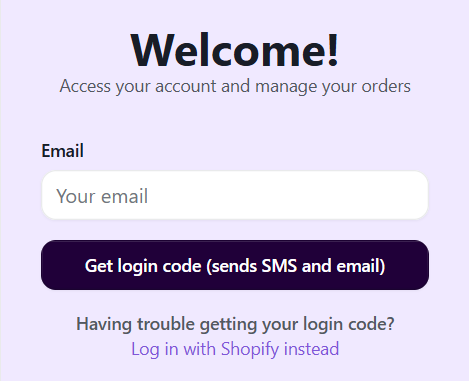
- Log in at barilife.com/a/account/subscriptions (or tap the person icon at the top right of our website). Enter your email, tap Get login code, and type in the code we send you by email and text. No password needed!
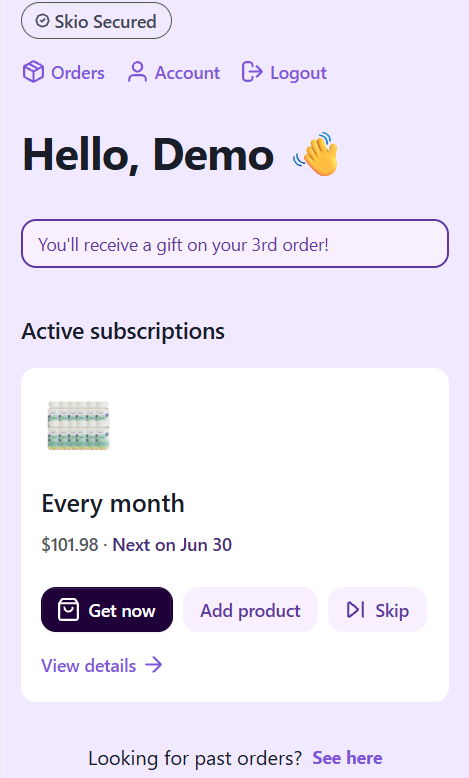
- Find your subscription and tap View details.
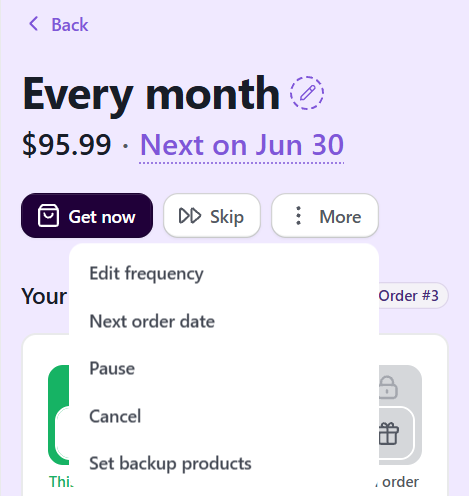
- Tap More and choose Pause.
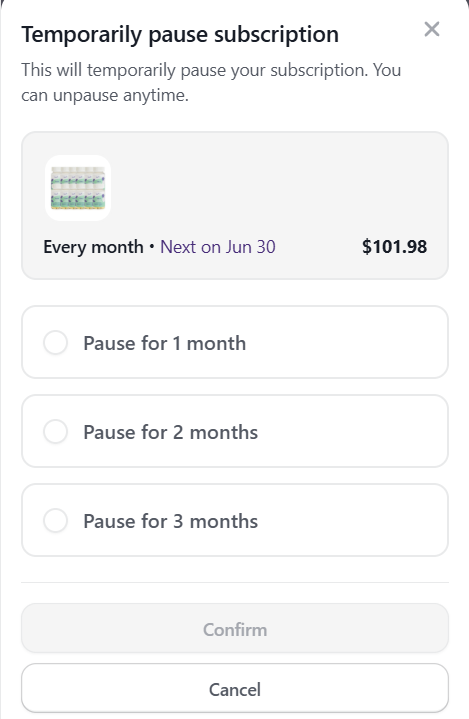
- Choose how long you'd like to pause and tap Confirm. You can unpause anytime.
Good to know: please pause at least 2 days before your next order date. After that, that order is already being prepared and ships as scheduled.
Need a hand? Email us at [email protected] or chat with us. We're happy to help!