
How can I reprocess a failed Subscribe & Save order?Updated 24 days ago
No worries, this is usually an easy fix!
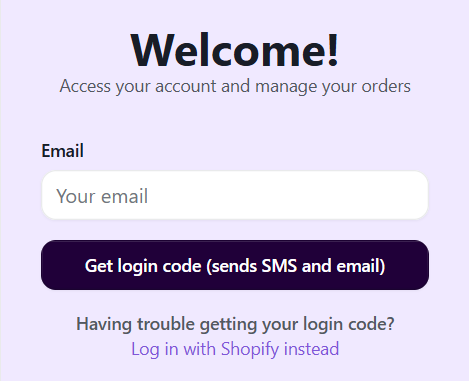
- Log in at barilife.com/a/account/subscriptions (or tap the person icon at the top right of our website). Enter your email, tap Get login code, and type in the code we send you by email and text. No password needed!
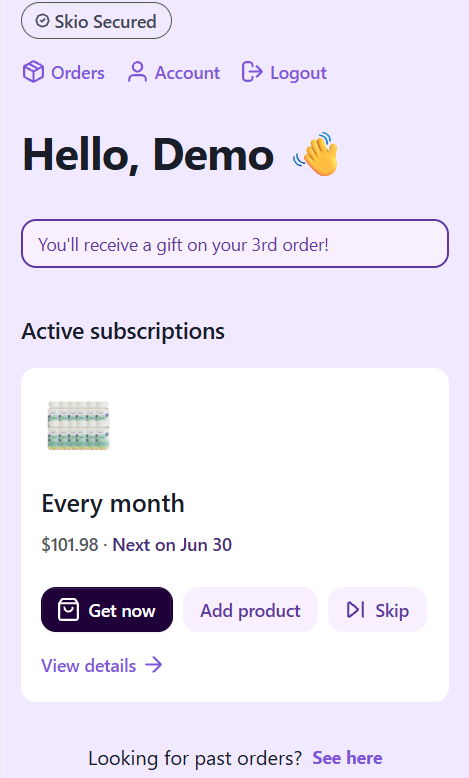
- Find your subscription and tap View details.
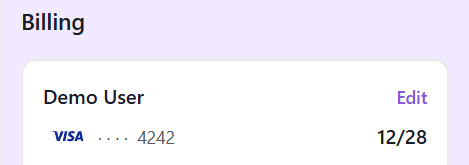
- First, make sure your card is up to date: scroll down to Billing and tap Edit.
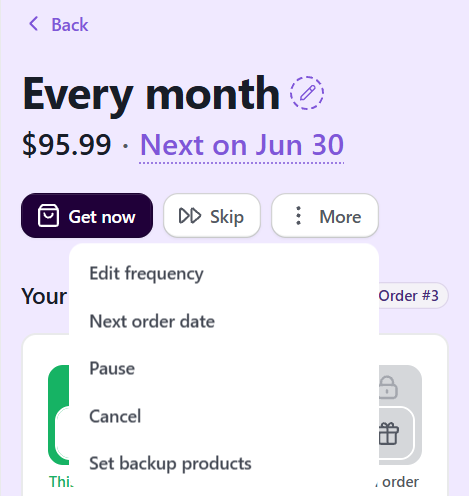
- Then tap Get nowat the top to place your order right away.
If it still doesn't go through, email us at [email protected] or chat with us and we'll help you sort it out.